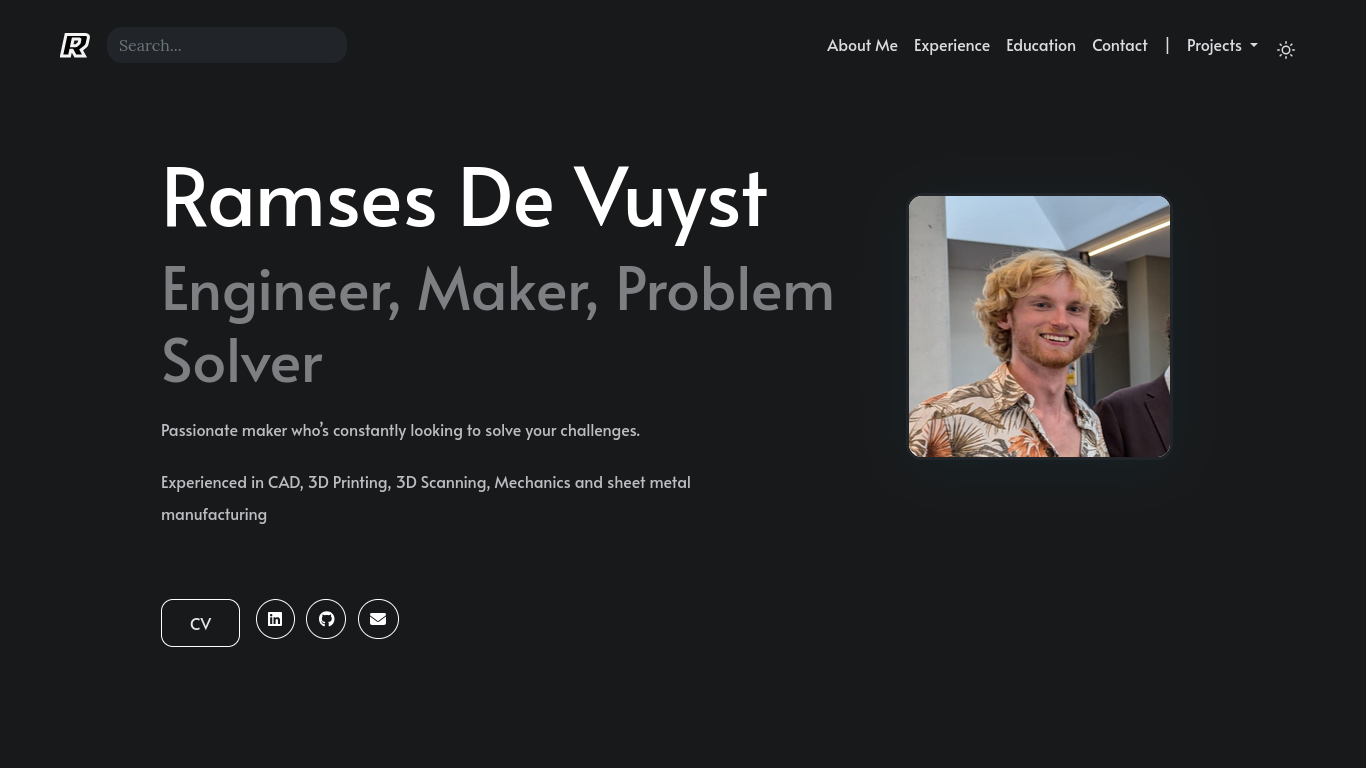
When applying for a new professional role, I got asked if I had a portfolio. Realizing the lack of a portfolio was a major oversight on my end, I wanted to build a website to showcase my skills.
This website is my first endeavour into web development. Fortunately, I do have experience self hosting services for private use, and a lot of the skills are transferable. I researched all the different ways of building websites, from using content management systems like WordPress or Drupal, to using AI chatbots to generate the code.
I ended up settling on the HUGO Framework , an open source framework for generating static websites from Markdown files. This approach was chosen as static websites carry a number of advantages for my use case. As the name implies sites built using HUGO are static content, whereas a content management system generates it’s content dynamically using a database and server-side code. Therefore, static websites provide a number of advantages including:
- Speed: only minimal background processing
- Security: no admin platform, no databases, no plugins, just static content
- Reliability: no backend incompatibilities
Since the website doesn’t need users, shopping plugins or anything of the sort, a static website made the most sense for my use case.
HUGO Comes with a variety of community made themes, and for this project the hugo-profile theme was chosen. It was then extensively modified in order to suit my specific needs. A custom dropdown menu was made for the “Projects” button and relevant articles were added.
Now that the website was built, it needed to be put online. For this I made a new virtual machine on my Proxmox server, installed Debian 13 and installed an nginx server. This allowed me to host the website on my local network.
Now all that was left was to make the website public. There’s multiple ways to approach this. Since I already have a private server running 24/7 at home, I wanted to take on the challenge of hosting the website myself as opposed to renting a VPS. This also aligns with my goal of minimizing subscriptions as much as possible. I opened up ports 80 and 443 on my router and configured my domain name to point to the public ip address of my home network. all that was left was to get valid SSL certificates using certbot and voila, ramsesdevuyst.com was live