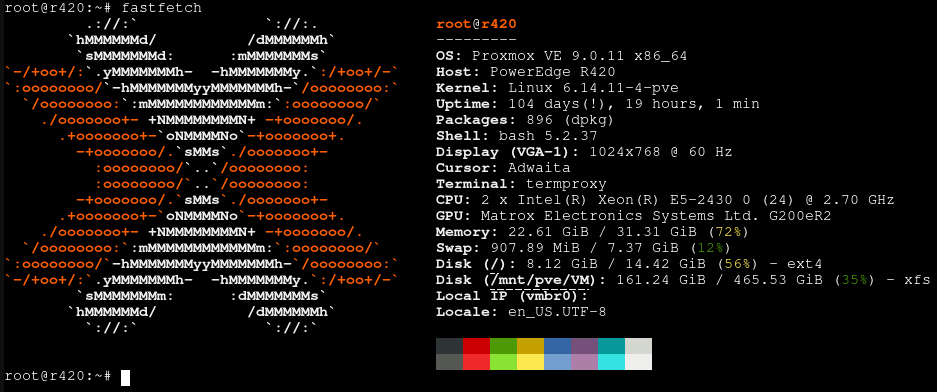
I have been in and out of the self hosting hobby since 2020. Lockdown was in full swing, and to counteract the boredom I bought myself a decomissioned Dell R420 server.
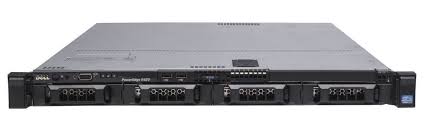
I won it at an online auction for around €150 and started upgrading it to it’s current specifications:
- 2 x Intel Xeon E5-2430 (24 threads total) @ 2.7GHz
- 32 GB ECC DDR3
- 2 x 2TB WD Red hard drives in RAID 1
- 1 x 500 GB boot HDD
I then installed Proxmox and proceeded to set up a variety of services, just to play around with the technology. The end result became a convoluted mess of services with very fragile configurations. Eventually I got it to a point where it was useable, albeit still very bloated. After lockdown ended it was left unmaintained but operational for a number of years. When I came back to it because something had broken, I couldn’t remember all the passwords or custom configuration options anymore. Therefore, in November 2025 I decided to start from scratch and downsize.
Then end goal was to have reliable, safe infrastructure that requires only very minimal maintenance.
As it turns out this hardware is really quite excessive for my needs. It has more processing power than I’l ever use, and with it being released back in 2012 power efficiency is nothing to write home about. However, this leaves also plenty of room to play with for when I want to experiment or expand my software stack.
In the future I’d definitely swap it out for something less power hungry.
Virtual Machines
Currently I have just 2 virtual machines running, keeping my software stack as small as possible in order to reduce maintenance.
TrueNAS
For all my storage needs I’m using TrueNAS , which currently runs in a VM inside Proxmox. When I started using TrueNAS it was still TrueNAS CORE, which had no built in VM functionality. More recent versions of TrueNAS do implement more and more type 1 hypervisor features. I’ve been considering switching to running TrueNAS on bare metal and hosting everything on there, but the current setup works and has been rock stable so I’m not going to change it.
The VM has it’s own HBA assigned to it using PCI passthrough, and I have 2 2TB hard drives running in RAID 1 for redundancy. This way, if one of the drives fails I can just replace it and not suffer any data loss.
On this TrueNAS host I’m running a variety of services through it’s built in “Apps” menu. This menu is a nice integrated front-end for managing Docker containers.
Services
Currently I have 4 services running:
- Immich
- Navidrome
- WireGuard Easy
- Watchtower
Immich
A few months ago, I got notified that my Google storage was almost full. Ever since, Google has been aggressively trying to push me into paying a monthly fee for their services. I therefore started researching self hosted alternatives.
I settled on Immich , a “Self-hosted photo and video management solution”.
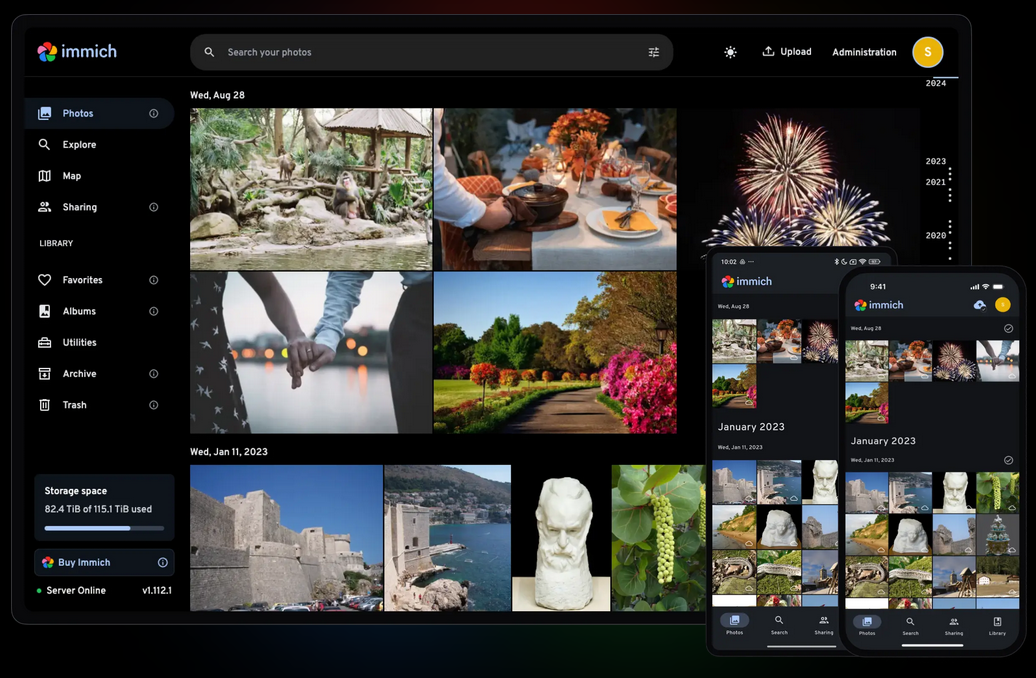
Immich is as close as you’re going to get to a drop in open source Google Photos replacement, offering many of the same features like automated backup, facial recognition, and picture sharing. I’ve been using it for 4 months at the time of writing, and it’s been pretty much flawless after initial configuration.
Navidrome
I’m a big proponent of owning your own media. Most streaming services stream at a bitrate of max 320kbps, whereas I prefer owning my media on vinyl, CD or in FLAC format. Owning my own media means I never need to worry about a streaming service not having that one band I like, or them removing songs from their platform due to royalty disputes.
My current digital music collection stands at around 60GB. For the longest time, I’d just have this all downloaded on my phone and played back locally. The issue however is that that’s more than half the available space on my phone, and while I was on holiday I found myself running out of storage for pictures.
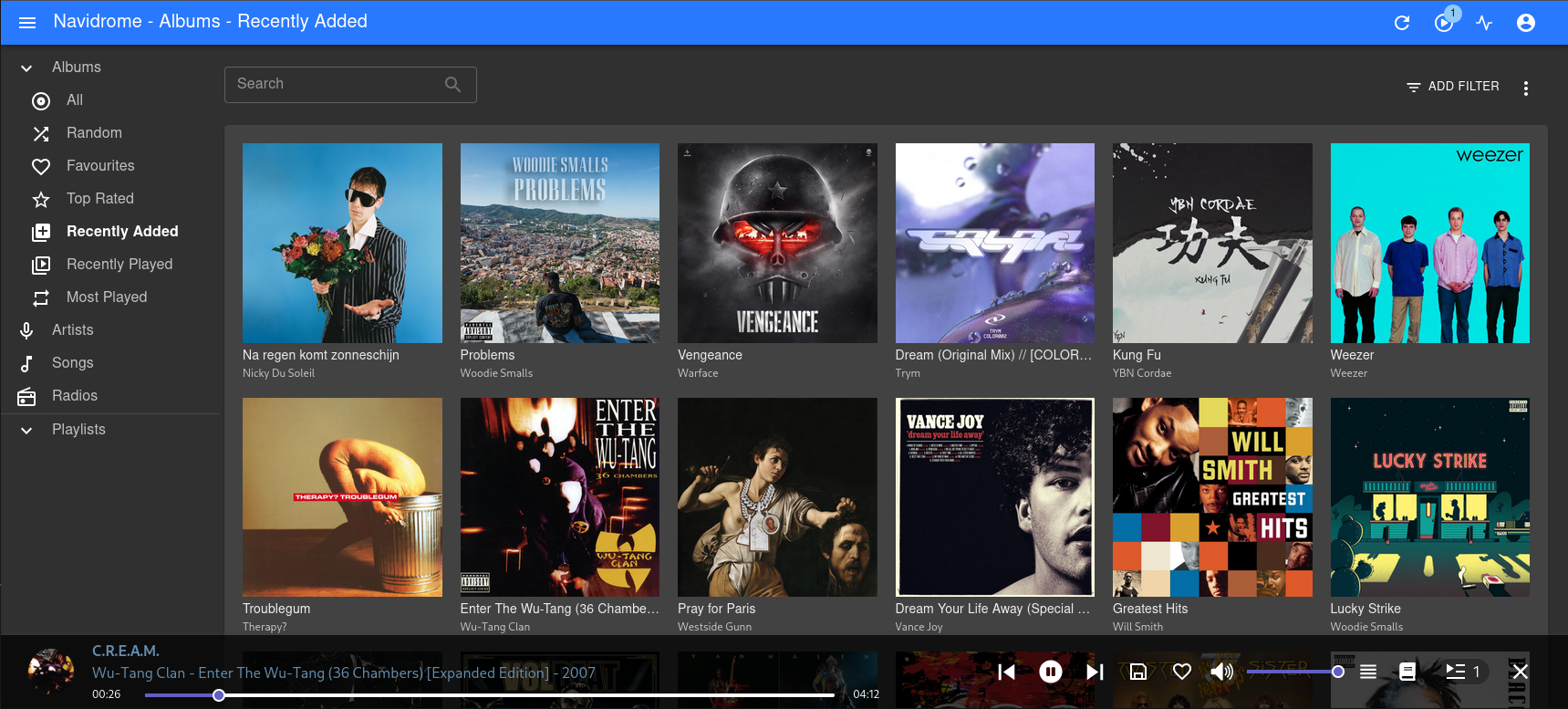
When I got home I started looking for a solution and found Navidrome , a self hosted music server based around the OpenSubsonic API. This means I can store all my uncompressed media on my server and play it back at full quality any time I wish from anywhere worldwide.
WireGuard Easy
In order to access self hosted services outside your home network, there’s multiple methods available. For my use case I decided to host my own VPN server using wg-easy . wg-easy is a Docker container claiming to be “The easiest way to run WireGuard VPN + Web-based Admin UI”.
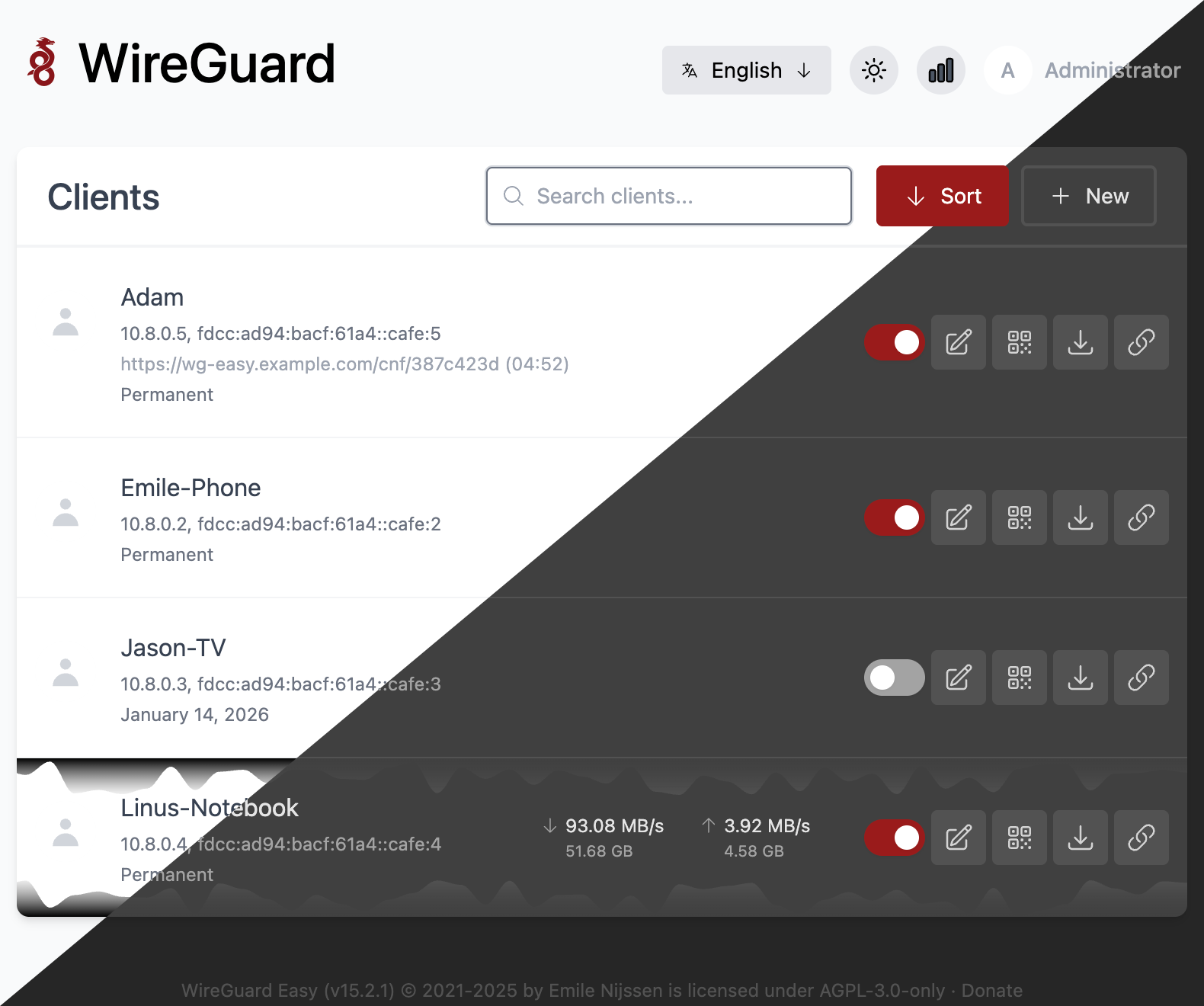
Using wg-easy I have a secure way to tunnel into my home network, without having to expose it to the outside world. The web UI is well laid out and very user friendly, allowing VPN connections to be set and forget.
Watchtower
In order to minimize maintenance as much as possible I installed Watchtower , a Docker container for automating updates. all it takes to get it up and running is a single docker command:
$ docker run -d \
--name watchtower \
-v /var/run/docker.sock:/var/run/docker.sock \
containrrr/watchtower
Quoted from their website: “With watchtower you can update the running version of your containerized app simply by pushing a new image to the Docker Hub or your own image registry. Watchtower will pull down your new image, gracefully shut down your existing container and restart it with the same options that were used when it was deployed initially.”
I’ve found it to be excellent so far, also being set and forget.